Easy Backup Plugin
You can download the full source code and install it on your own server.
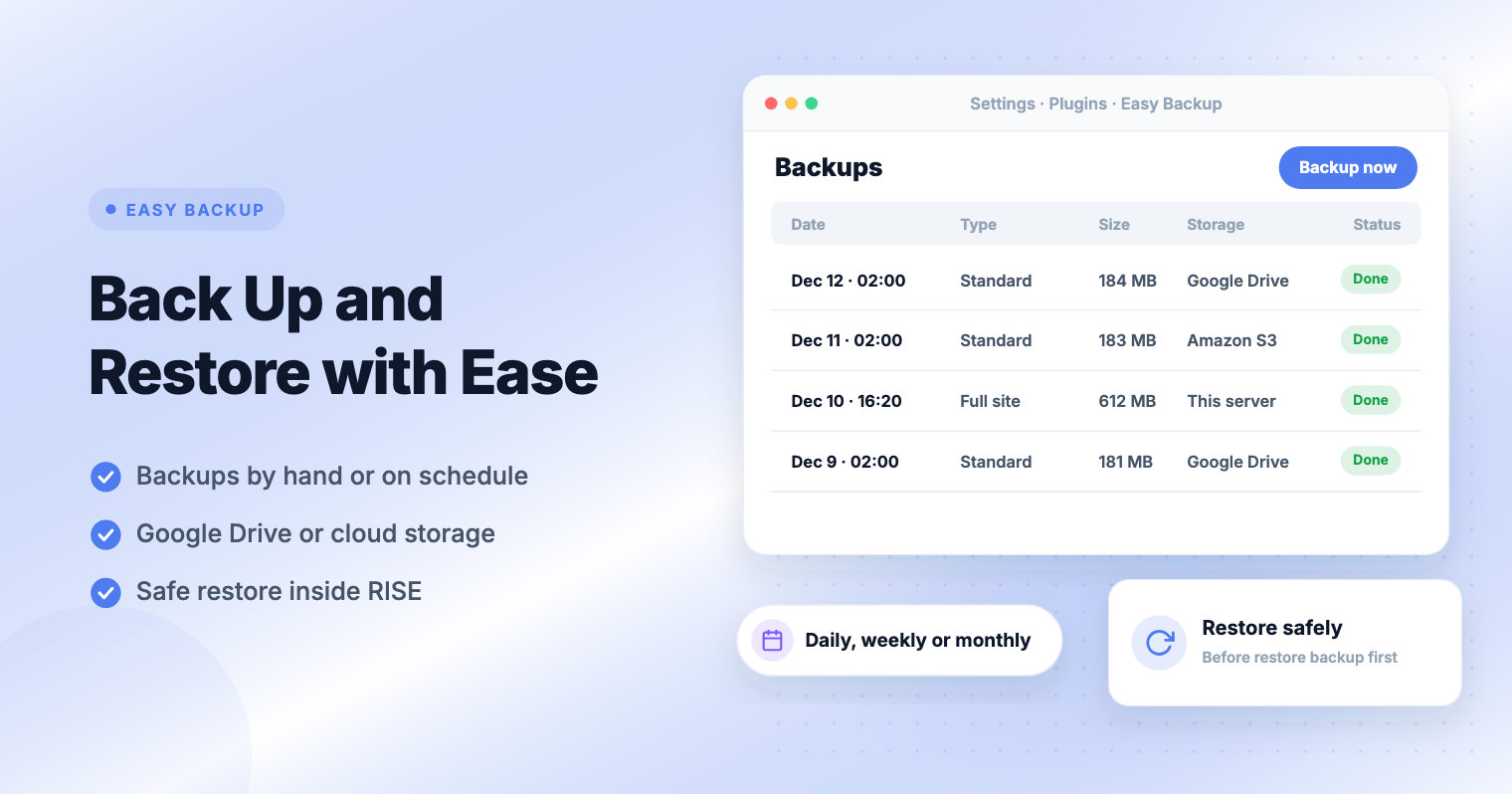
Easy Backup is a RISE plugin that backs up your RISE site and restores it from inside RISE. Make backups by hand or on a schedule, download them, and keep them on Google Drive or other storage.
It is for RISE admins who want a simple, safe way to protect their data without working on the server.
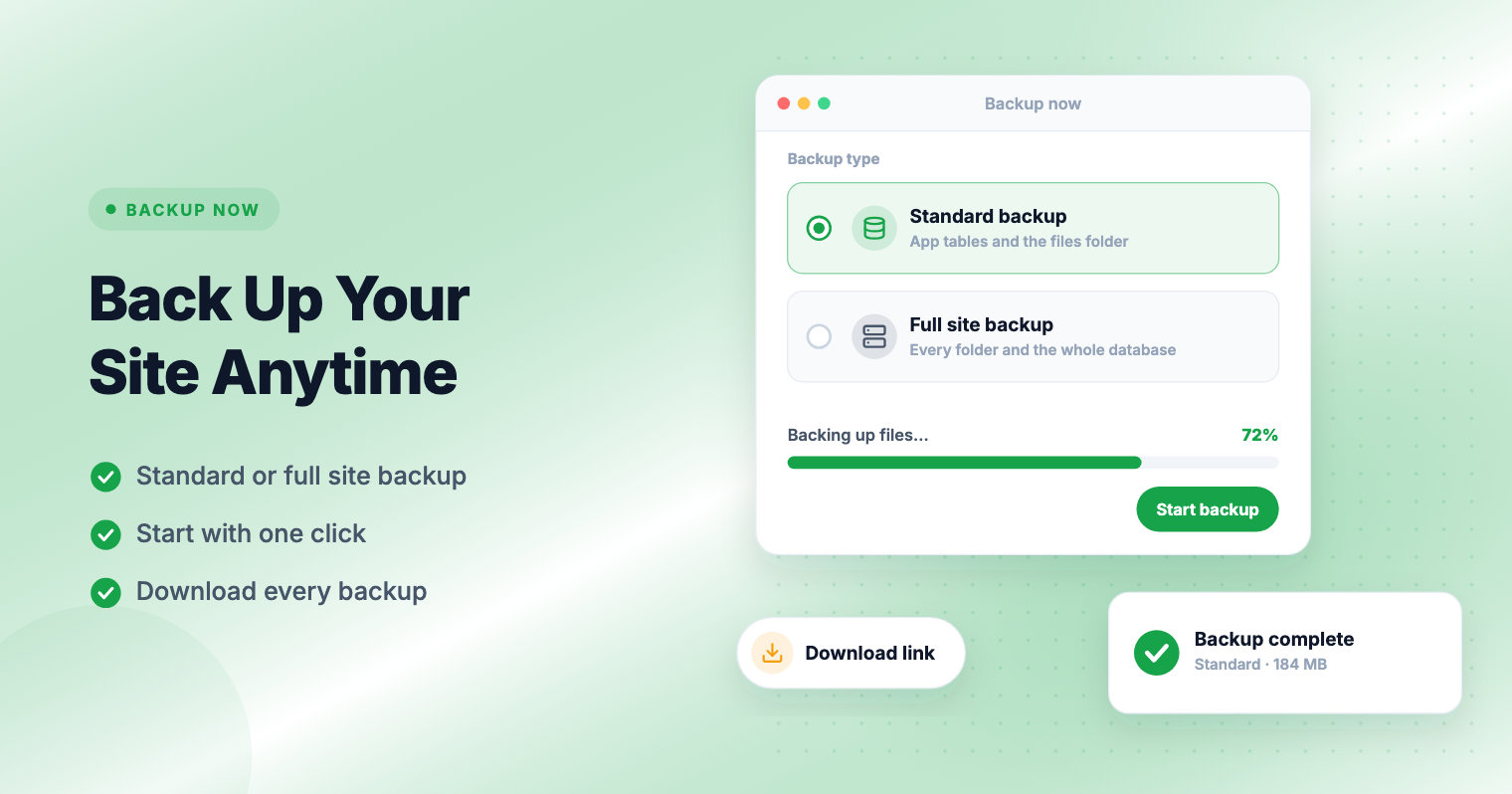
Back Up Your Site Anytime
Make a backup whenever you need one, for example before a big change.
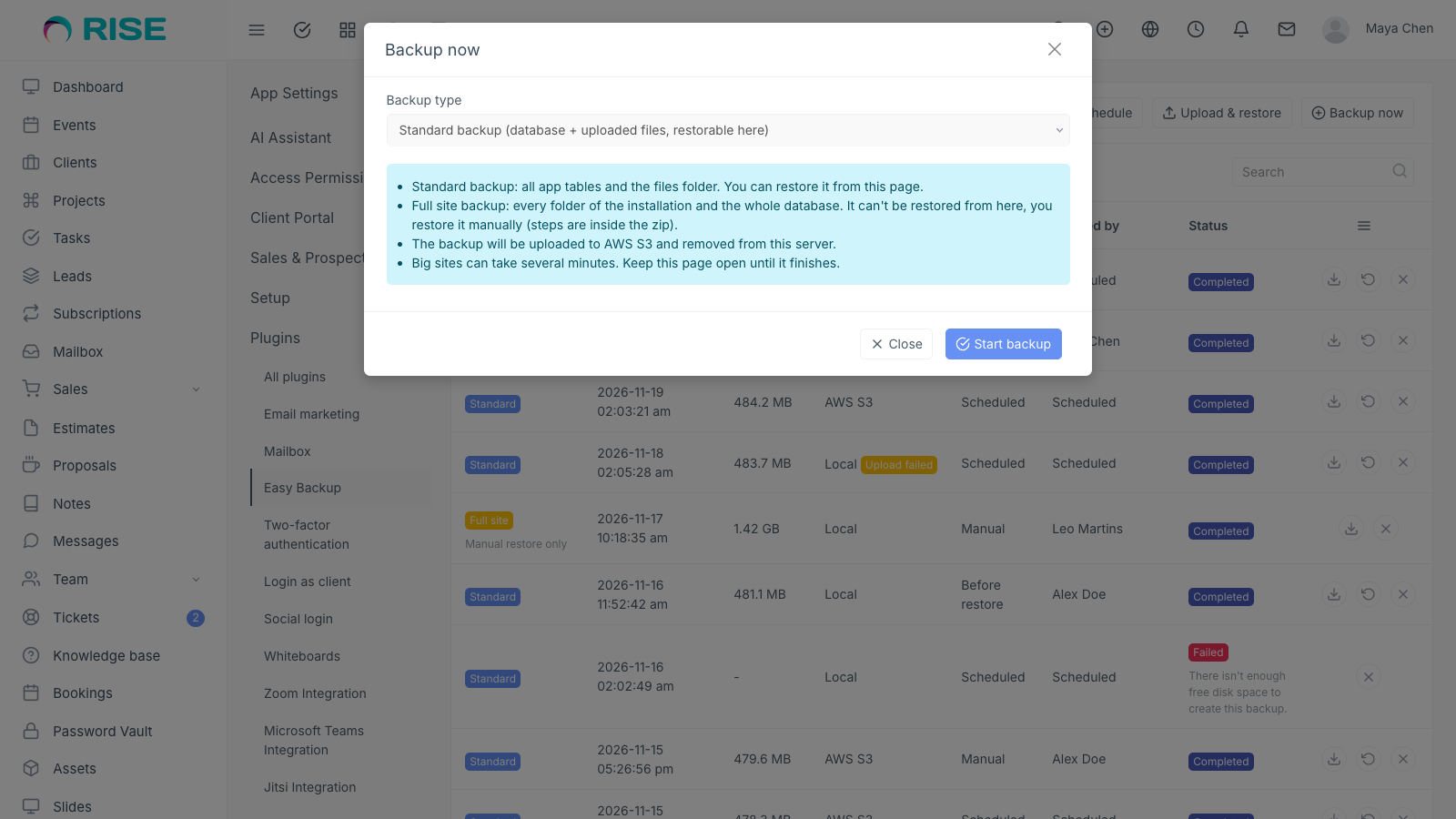
- Click Backup now to make a backup at any time.
- Standard backup: all app tables and the files folder. You can restore it from the plugin page.
- Full site backup: every folder of the installation and the whole database. You restore it by hand, with the steps inside the zip.
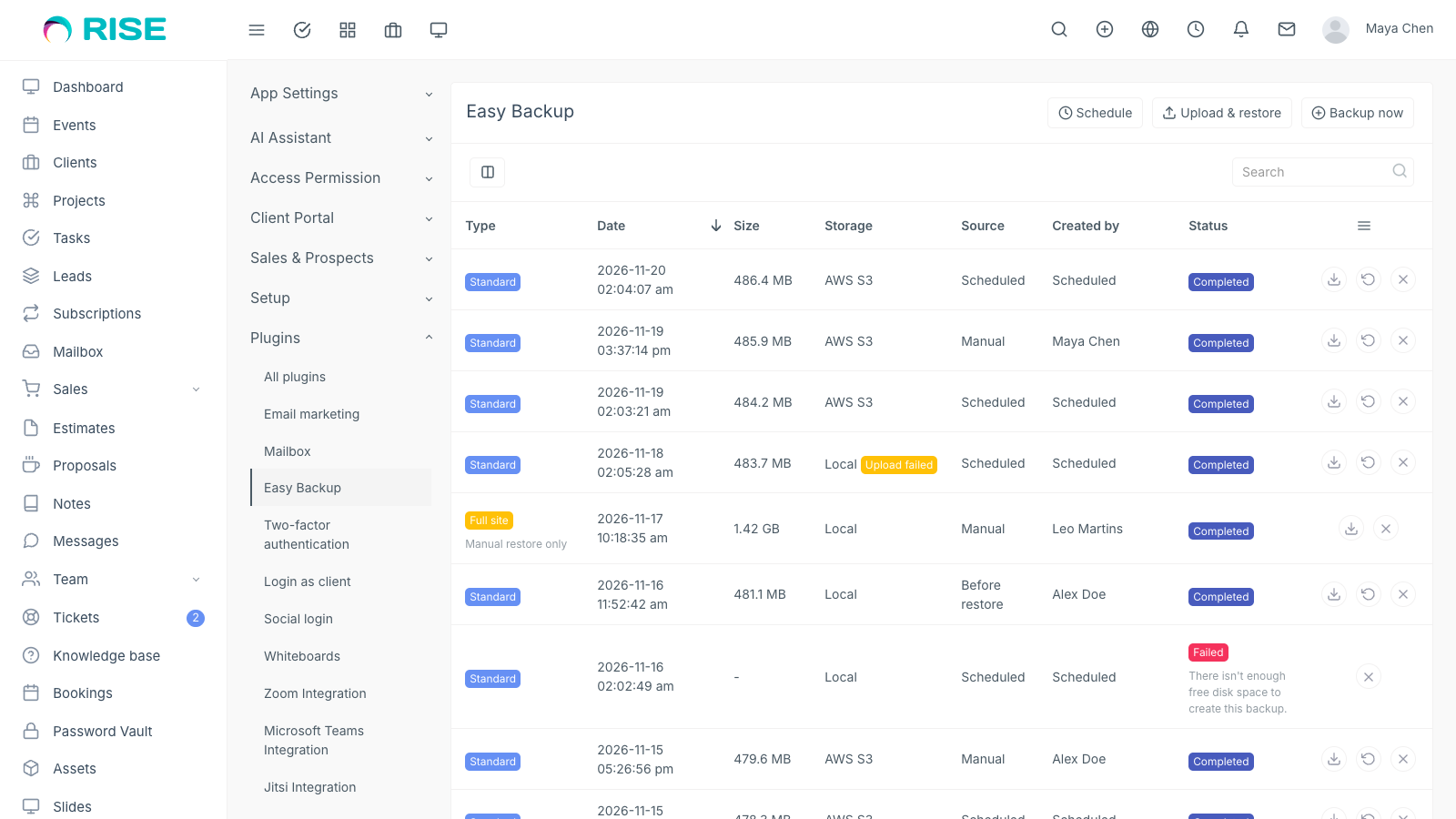
- See every backup in a list with its date, type, size, storage, source and status.
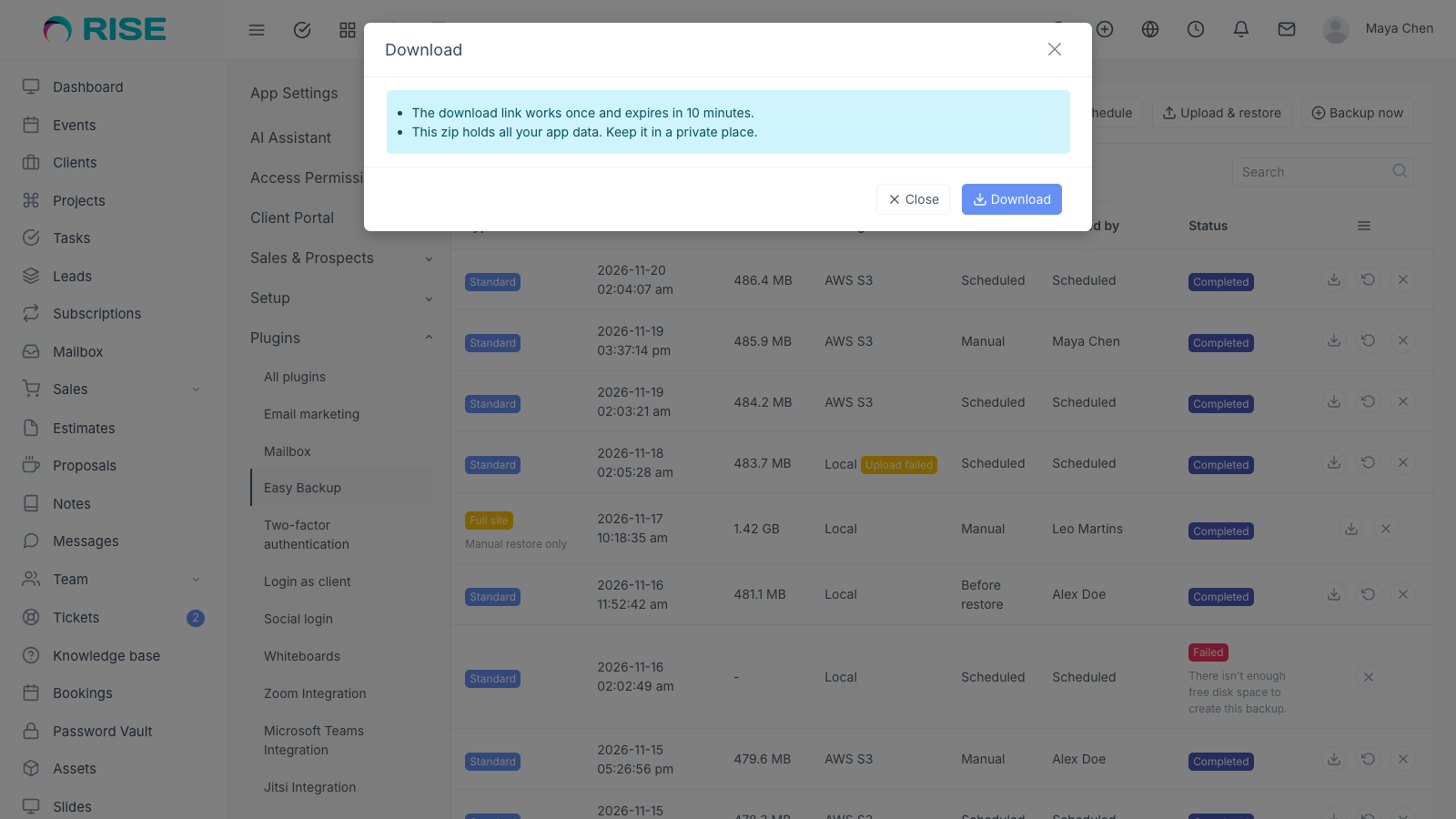
- Download any backup with a link that works once and expires in 10 minutes.

Schedule Backups and Relax
Turn on scheduled backups once, and RISE keeps making them for you.
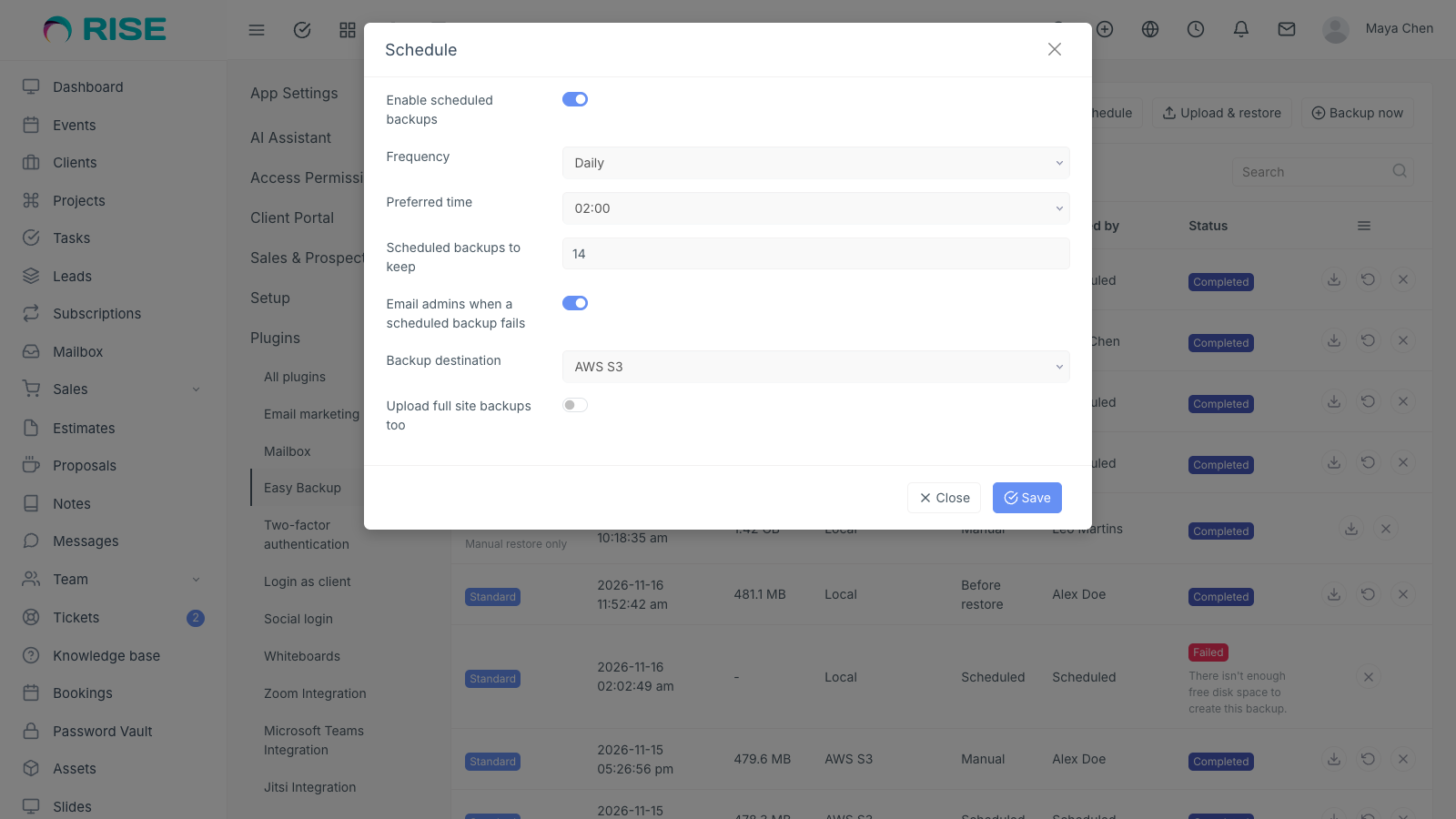
- Make daily, weekly or monthly standard backups with the cron job.
- Pick a preferred time. The backup runs at the first cron run after it.
- Choose how many scheduled backups to keep. Older ones are deleted with their files.
- Every admin gets an email if a scheduled backup fails.
- Backups you make by hand are never deleted automatically.

Keep Backups Off Your Server
Store your backups somewhere else, so they are safe even if your server has a problem.
- Choose where backups go: this server only, the site file storage (Google Drive or a storage plugin), or a backup destination plugin.
- Backup destination plugins (for example Amazon S3, Cloudflare R2 or Wasabi) are listed by name.
- Backups are uploaded to the destination and removed from the server.
- If an upload fails, the backup stays on the server and the list shows Upload failed.
- Full site backups stay on your server unless you turn on Upload full site backups too.
- Developers can add their own storage as a backup destination with a filter hook.
Restore Safely
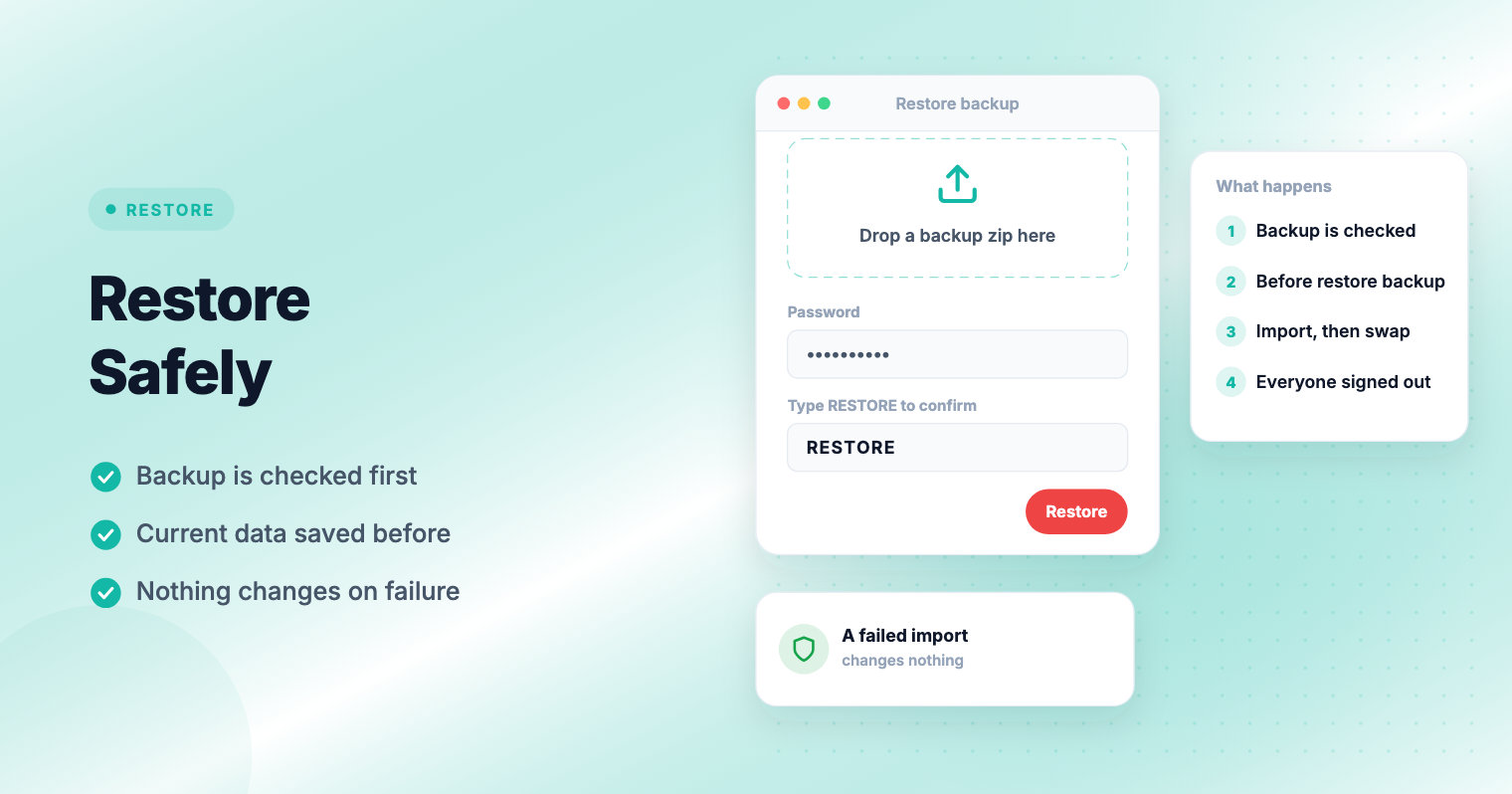
Restore a standard backup from the plugin page. Easy Backup protects your current data while it works.
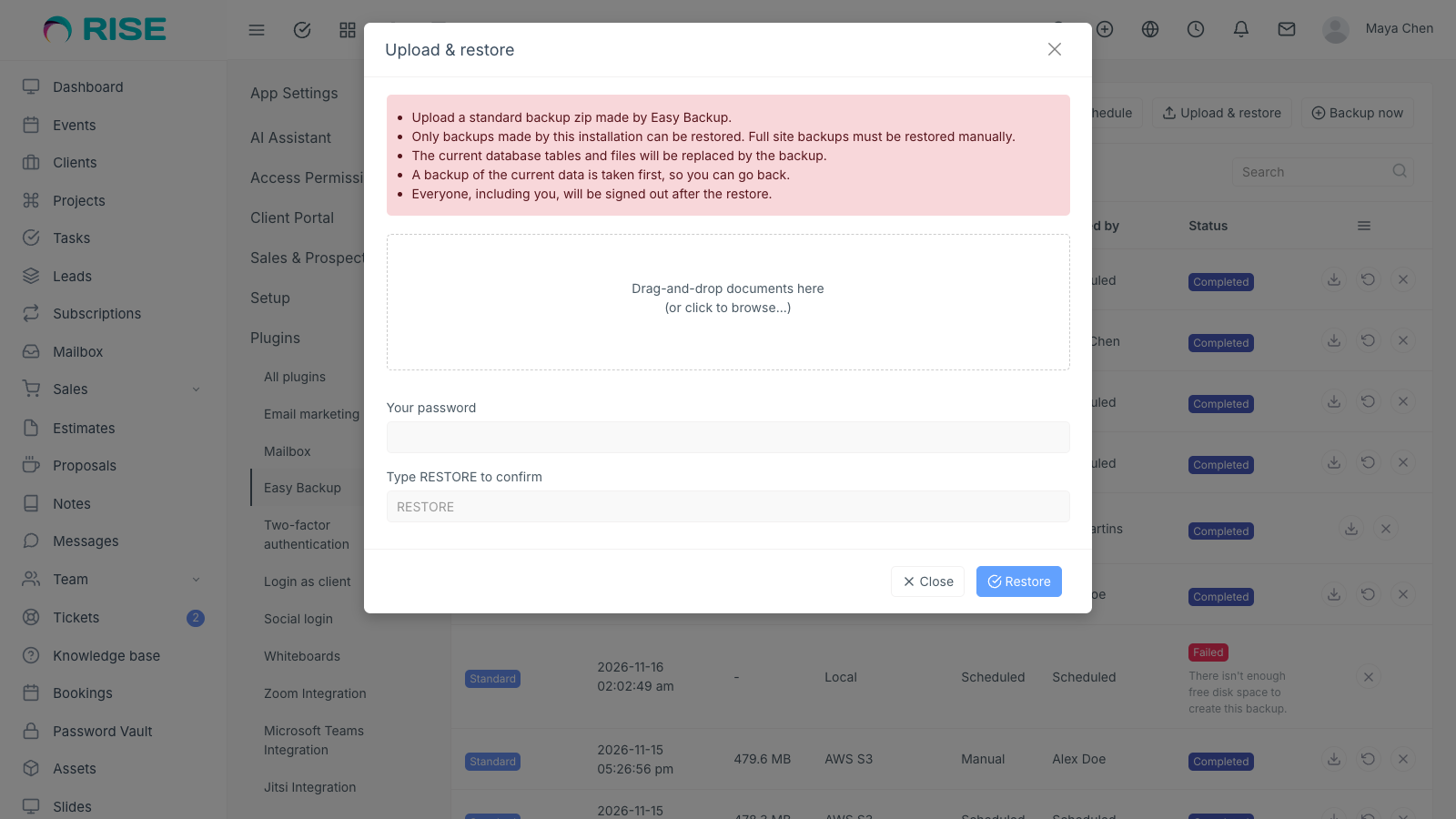
- Restore a backup from the list, or upload a backup zip with Upload & restore.
- The backup is checked first: it must be made by this installation, with the same table prefix and the same or an older RISE version.
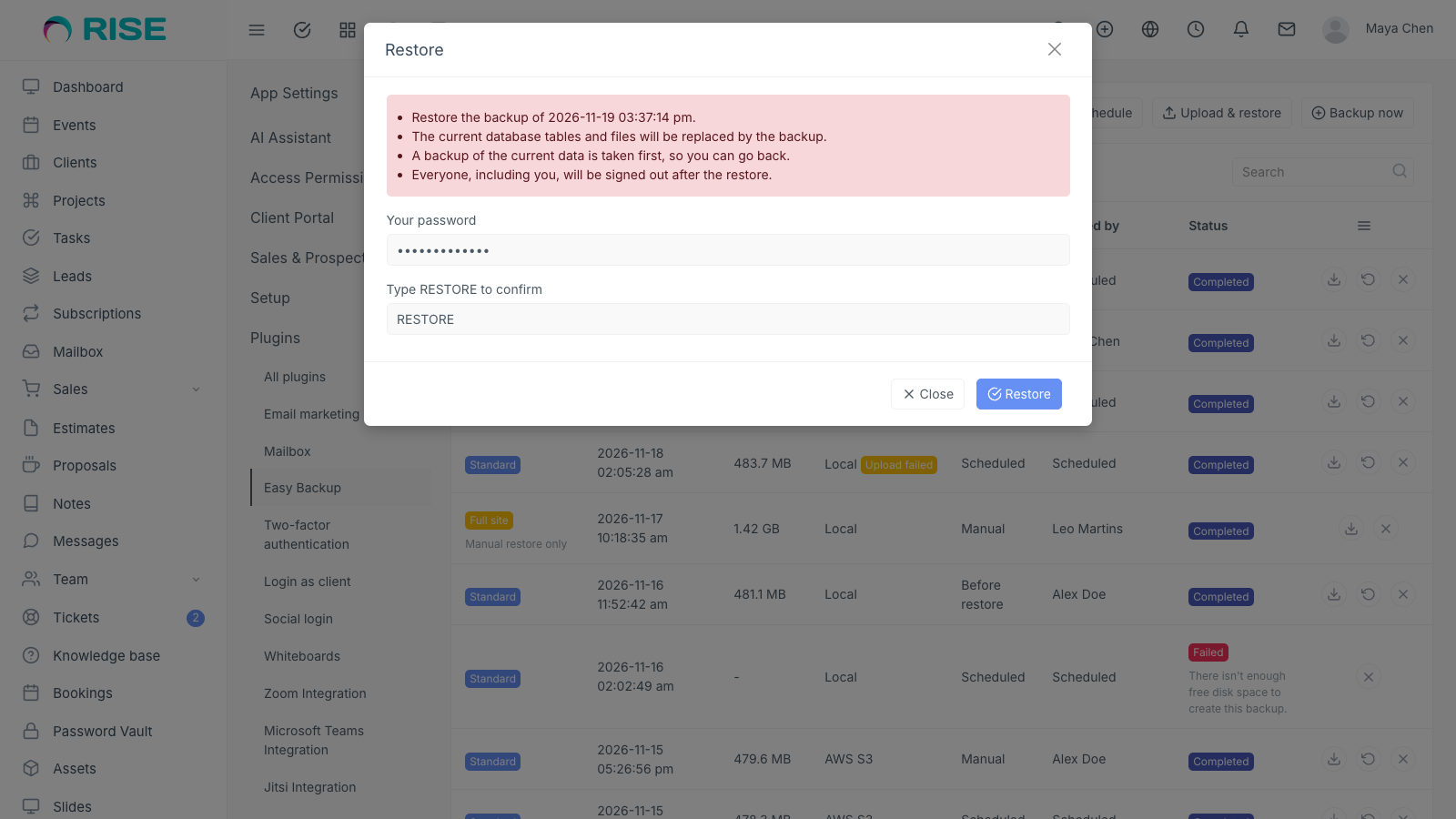
- A Before restore backup of the current data is made, so you can go back.
- The database is imported into temporary tables and swapped in one step, so a failed import changes nothing.
- Everyone is signed out after the restore.

Keep Backups Secure
Backups hold all your data, so access to them is limited.
- Only admins can make, download, restore and delete backups.
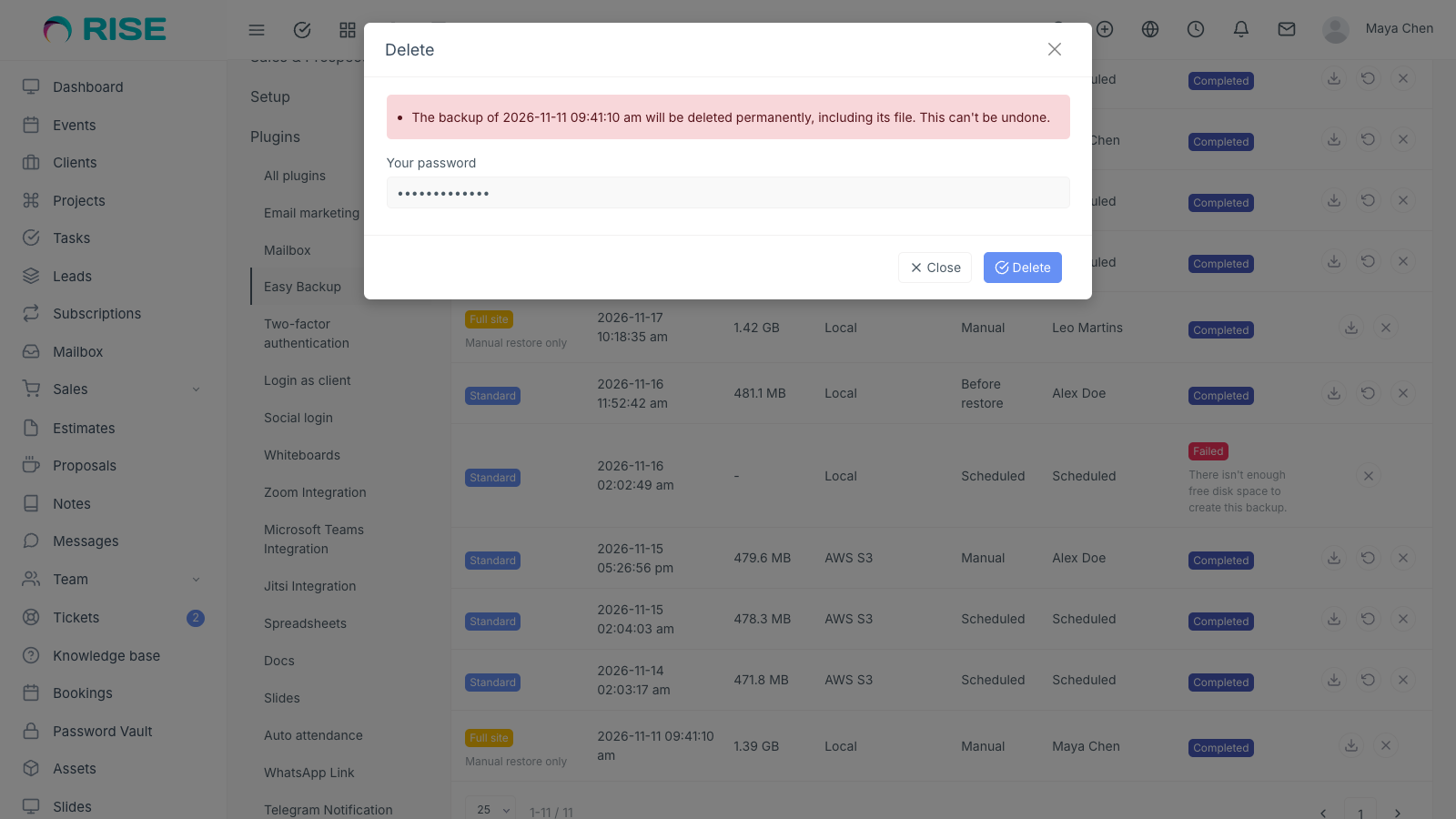
- Restore and delete need your password. After 5 wrong passwords, these actions are locked for 15 minutes.
- Backups on the server are kept in a folder with a random name, blocked by .htaccess and web.config.
- A restored backup never writes php files or server config files into the files folder.
Requirements
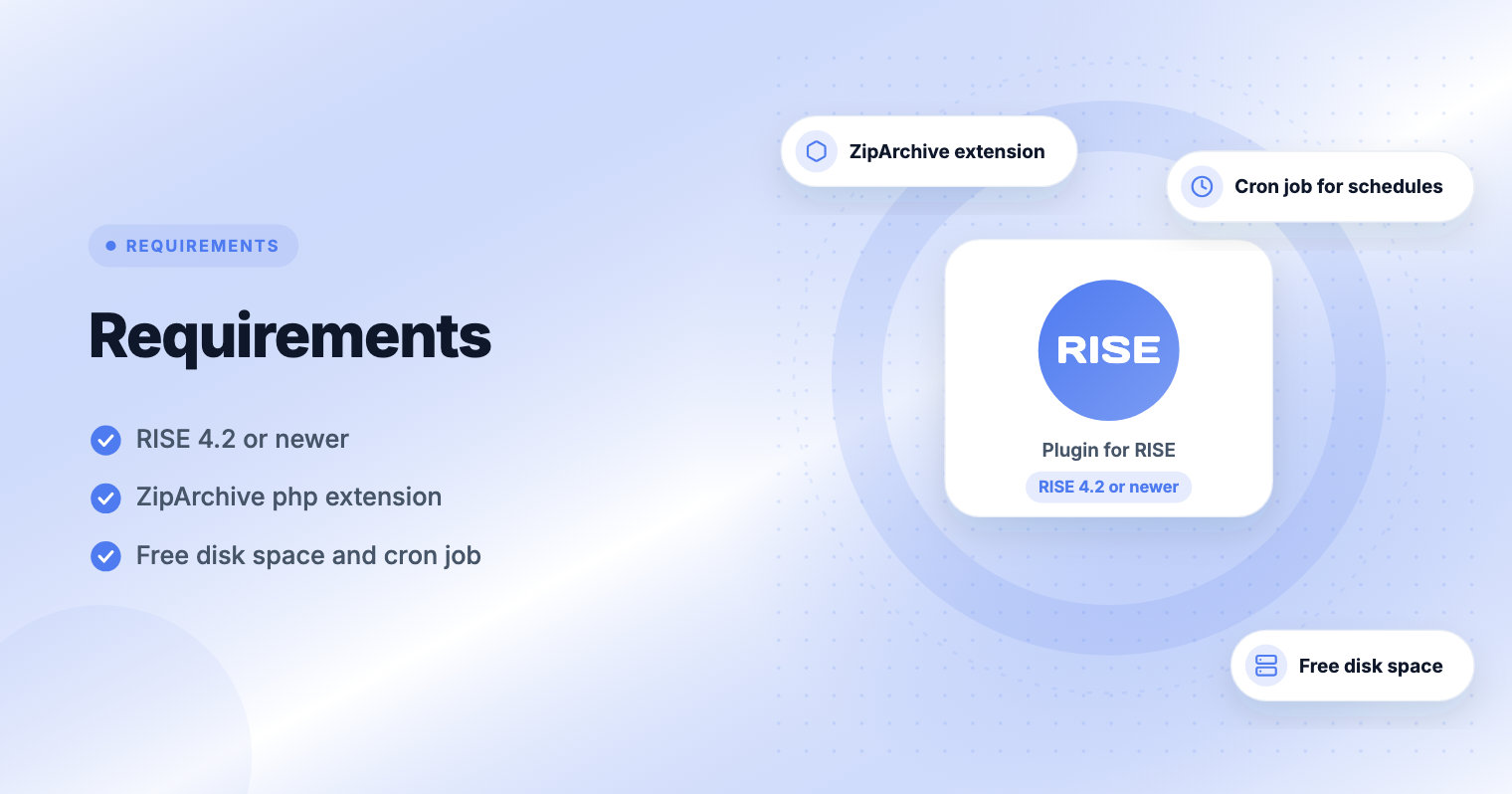
Easy Backup is a plugin for RISE. You need:
- RISE 4.2 or newer.
- The ZipArchive php extension.
- Free disk space: about two times the size of your files folder and database.
- The cron job, for scheduled backups.
With over 12 years of software development experience, FairSketch delivers reliable, innovative solutions that help businesses grow.